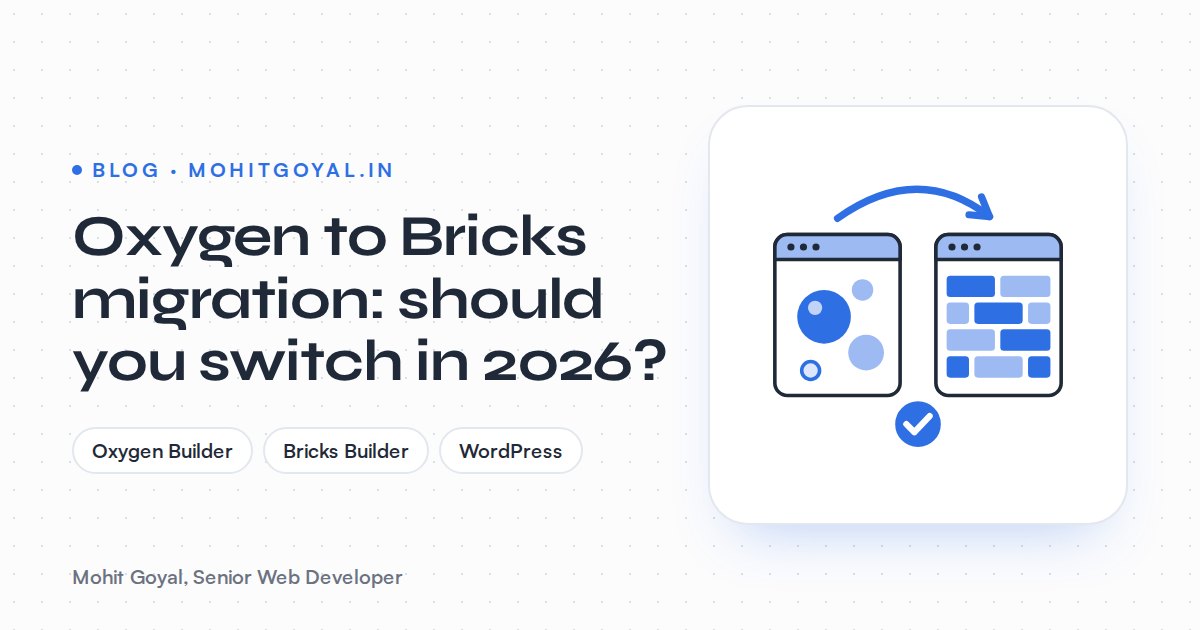
Should you migrate from Oxygen to Bricks in 2026? If you own a working Oxygen Classic site, my answer is not yet, unless a redesign is already due. Oxygen 6, released in February 2026, is a full rewrite that can't open Classic designs. So moving to Oxygen 6 or to Bricks Builder means rebuilding your templates either way, and Classic is still being maintained. If you're rebuilding anyway, pick Bricks for a theme-based builder with a big add-on market, or Oxygen 6 if your team likes how Oxygen works and wants to stay put.
I've built on both. I made custom Oxygen themes for the Nortek LED WooCommerce store, for Orilite (custom PHP templates with ACF) and for IPL Biologicals, which has been on my monthly maintenance retainer since 2025. On Bricks I built the Ravens Ait venue site, the Taxocity tax services website and the Aura Clips agency site. Here's how I'd make the call.
What changed with Oxygen in 2026?
Oxygen 6.0 came out as a final release in February 2026. It's a ground-up rewrite, which makes it a new product rather than an upgrade for Classic sites. The team announced Oxygen 6.0 final in February 2026 after almost a year of betas, and said the old Angular-based codebase had become unsustainable, so they started again. Oxygen 6 adds a design library, components, variables, and Breakdance elements and forms.
Here's the catch for existing sites. OutWP puts it plainly: Classic projects "cannot be directly upgraded or migrated to Oxygen 6." Third-party tools like this Oxygen 4 to 6 converter only exist because Oxygen 6 doesn't read the old builder data at all.
Feb 2026
Oxygen 6.0 final release
$199.50
Oxygen lifetime licence, unlimited sites
$79/yr to $599 lifetime
Bricks Builder plans
The Oxygen price is from the official Oxygen pricing page. The Bricks range is from the official Bricks pricing page: $79 a year for one site, $149 for three, $249 for unlimited, or $599 once for a lifetime licence.
Do you have to leave Oxygen Classic?
No. A stable Classic site has no deadline. Oxygen's own launch announcement calls Classic an outdated foundation but sets no end date for it, and launch coverage reported that Classic sites aren't affected and will keep being maintained. WebTNG came to the same view: current Oxygen sites are safe and don't need rebuilding any time soon.
IPL Biologicals shows why staying can be the right call. The WooCommerce store still runs on the custom Oxygen theme I built in 2023. My retainer work covers new pages like the Grow Organic sub-brand, catalogue and price updates, and day-to-day store support. A store that's stable and gets regular content changes has no reason to pay for a rebuild just because a newer builder came out.
Staying on Classic stops making sense when:
- You're redesigning anyway. If every template is changing, rebuilding on Classic means pouring new work into the older codebase.
- You can't find developers. If your agency has moved on and nobody wants to touch Oxygen Classic, every small change gets more expensive.
- You need things Classic makes awkward, like a proper component system, CSS variables, or the dynamic templates you'd now build in Bricks or Oxygen 6.
- Plugin conflicts or PHP upgrade errors keep coming back, and fixing them each year costs more than a rebuild would.
Oxygen 6 or Bricks: which is the better move?
Go with Bricks if you want a builder that works as a normal WordPress theme and has a mature add-on market. Go with Oxygen 6 if your team prefers Oxygen's code-first way of working. Both mean a rebuild, so really you're choosing which one you want to live with for the next five years.
| Option | Rebuild needed? | Licence | Best for |
|---|---|---|---|
| Stay on Oxygen Classic | No | Already paid | Stable sites with no redesign planned |
| Oxygen 6 | Yes, templates and Oxygen-built pages | Lifetime, unlimited sites, about $200 | Teams who like Oxygen's no-theme, code-first approach |
| Bricks | Yes, templates and Oxygen-built pages | $79 a year to $599 lifetime | New builds that need a theme-based builder with lots of add-ons |
Where they actually differ:
- Architecture. Oxygen switches off the WordPress theme system and takes over the whole site. Bricks is the theme. So a Bricks site behaves more like a normal WordPress site alongside other plugins, and that's one less thing to explain to whoever works on it next.
- Ecosystem. I use Bricks enough that I wrote and maintain a WordPress.org plugin for it, Geo Targeting for Bricks Builder. Its add-on and template market is mature. Oxygen 6's ecosystem is still catching up with the new version.
- Content editing. On either builder I set up templates fed by ACF or custom post types, so editors change fields, not layouts. How the build is structured matters more than which builder it's in.
For a wider comparison that includes Elementor, see my post on Bricks vs Elementor vs Oxygen.
What does an Oxygen to Bricks migration cost?
You mostly pay for developer time to rebuild and test templates. The licence is the cheap bit. Nobody publishes an Oxygen to Bricks price list, so the nearest published numbers are for a rebuild or platform change of a site the same size: UK agency guides put that at £4,000 to £15,000+ for a typical business site and £10,000 to £40,000 for an e-commerce rebuild. My Elementor to Bricks migration post covers a very similar job.
What pushes the price up or down:
| Cost driver | Why it matters |
|---|---|
| Number of unique templates | Ten pages on one template cost far less than ten one-off pages |
| WooCommerce templates | Shop, product, cart, checkout and account pages all need rebuilding and testing |
| Custom PHP or code blocks | Oxygen code blocks have to move into a child theme, a plugin or Bricks code elements |
| Dynamic data | ACF fields, custom post types, loops and filters must be wired up again |
| Forms and integrations | HubSpot, Stripe, GA4, GTM and CRM syncs need retesting end to end |
| Design changes | A pixel-for-pixel copy is cheaper than a copy with a refresh |
On Orilite, product and marketing content ran through custom PHP templates with ACF. Sites built like that are the most expensive to move, because you have to understand each template before you can rebuild it.
What does a page-by-page rebuild involve?
It means recreating every Oxygen layout in Bricks on a staging site. Oxygen stores designs in its own data, so none of the layout carries over. Your posts, products, media and SEO plugin data do stay, because they live in the WordPress database. This is the order I'd work in:
- 1
Audit and crawl
List every template, Oxygen-built page, code block, form and tracking tag, and export every live URL.
- 2
Clone to staging
Copy the site to a password-protected staging environment and install Bricks there, never on the live site.
- 3
Rebuild the design system
Set up colours, fonts, spacing and global classes in Bricks first so every page uses the same system.
- 4
Rebuild templates
Header, footer, single posts, archives, product and shop templates, then one-off pages like the homepage.
- 5
Move custom code
Move PHP and JavaScript out of Oxygen code blocks into a child theme or a small custom plugin.
- 6
Test and compare
Check every template against the live site, then test forms, checkout and tracking, and compare Core Web Vitals.
- 7
Launch and monitor
Push to live, deactivate Oxygen, keep a full backup, and watch Search Console for the following weeks.
Will migrating from Oxygen to Bricks hurt SEO?
It doesn't have to. Switching builders doesn't change your domain or your permalinks. The damage comes from things that change along the way: slugs, headings, missing content, broken templates, or a staging noindex tag that slips onto the live site. Work through this list.
Redirect and URL safety checklist
- Crawl the live site first. Export every URL: pages, posts, products, product categories, tags, author archives and paginated pages. You'll test against this list after launch.
- Leave permalinks alone. Don't touch Settings → Permalinks or any slugs during the migration. If you want to restructure, do it later as its own project.
- Keep titles, H1s and body copy. Yoast or Rank Math data survives, but check that no Oxygen template was hard-coding titles or headings.
- Rebuild every template type. Forget an archive or product template and it'll either fall back to an ugly default or show nothing.
- Carry over schema. If JSON-LD came from an Oxygen code block, rebuild it and validate it before launch. My Schema Markup Generator helps if you need to recreate it.
- 301 any URL that does change. Send it to the closest match. No chains, and no blanket redirects to the homepage. Google's site move guidance covers the principles.
- Check media and alt text. Attachment URLs should stay the same. Alt text set inside Oxygen image elements has to be re-entered.
- Re-test tracking and forms. Submit every form, place a test order and confirm GA4 and GTM events still fire.
- Check headers and robots. Make sure the new build sends the same security headers and robots.txt rules as the old one. The free Security Headers Checker checks the headers, and the AI Crawler Checker reads your robots.txt.
- Compare speed. Run PageSpeed Insights before and after, and fix any Core Web Vitals that got worse before you sign the job off.
- Resubmit the sitemap. Then watch the Pages report in Search Console for new 404s or excluded URLs.
The staging noindex trap
If you copy the staging database to live, the 'Discourage search engines' setting and any staging robots rules can come with it. Check Settings → Reading and robots.txt within minutes of launch.
If traffic still drops after launch, start by comparing the Search Console Pages report with your pre-launch crawl. Missing templates and changed slugs are usually to blame. My guide to recovering traffic after a redesign covers the rest.
How long does an Oxygen to Bricks migration take?
It mostly comes down to how many unique templates you have and whether WooCommerce is involved. A brochure site on a handful of templates is a short project. A WooCommerce store with custom product templates, filters and checkout changes takes several times longer, mainly because testing checkout properly takes time. For typical build timelines by site type, see how long it takes to build a website. Launch in a quiet trading week, not right before your busiest season.
What should you ask a developer before paying for a migration?
Ask to see production work on both Oxygen and Bricks, and get straight answers on staging, URLs and testing before any money changes hands. These are the questions I'd want answered:
- Have you built production sites on both Oxygen and Bricks? Can I see them?
- Will you work on staging, and who checks the noindex settings at launch?
- What happens to the custom code that currently lives in Oxygen code blocks?
- Will every existing URL stay the same, and if not, where's the redirect map?
- How will you test WooCommerce checkout, forms and tracking before launch?
- Who fixes problems in the first weeks after launch?
If the URL and staging answers are vague, find someone else.
Your next step
If you're on Oxygen Classic and can't decide between staying, moving to Oxygen 6 or rebuilding on Bricks, send me your URL and a line about what's bugging you. I'll tell you straight whether a migration is worth the money or whether maintenance will do. You can see how I build in WordPress websites on Bricks, Elementor and Oxygen, or book a 20-minute call and we'll go through your site together.