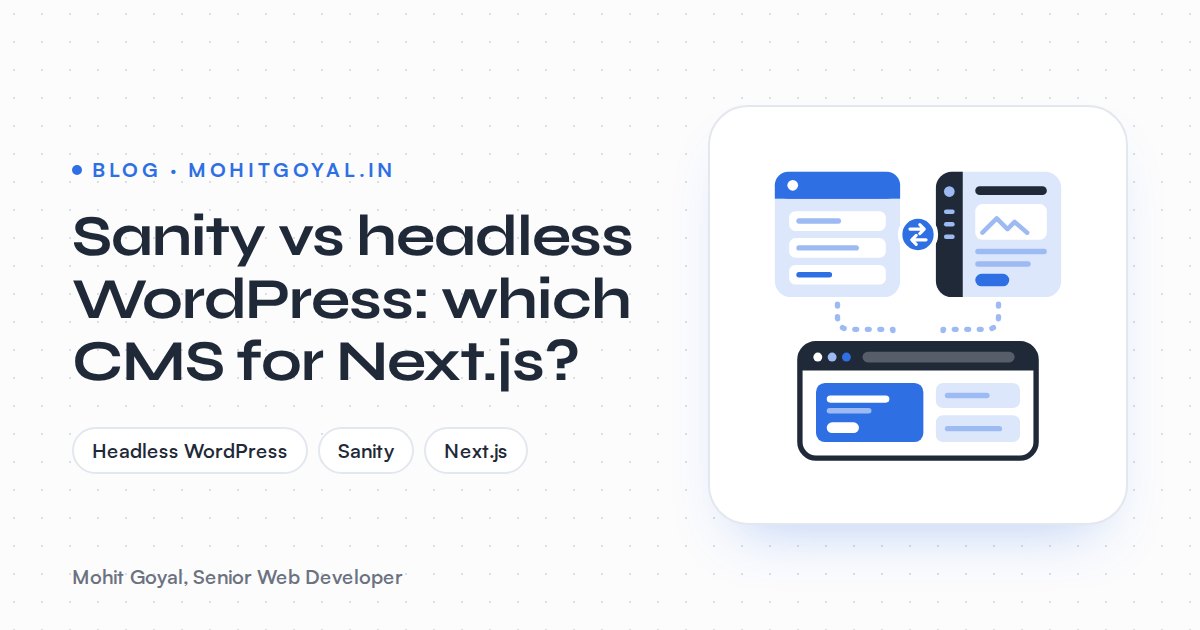
For a Next.js site, headless WordPress is usually the better CMS if your content team already publishes in WordPress or you have years of posts and SEO history there. Sanity is usually the better pick if you're starting fresh, need structured content that feeds more than one site or app, or want click-to-edit visual previews without paying for custom work. Both run well with Next.js. The real decision comes down to who edits the content, what you already have and how much lock-in you're comfortable with.
I'm Mohit Goyal, and I build headless WordPress sites myself. I'll still tell you where Sanity is the better choice. A client stuck on the wrong CMS ends up spending more to fix it than I'd ever make building it.
Sanity vs headless WordPress: how do they compare?
Sanity is a hosted CMS with schemas defined in code and visual editing built in. Headless WordPress is open source, self-hosted and already familiar to most editors. This is the table I'd want in front of me as a buyer. Every row is something you'll still care about a year after launch.
| Factor | Sanity | Headless WordPress |
|---|---|---|
| Editor experience | Sanity Studio, a React app your developer configures in code. Fast, with real-time collaboration, but new to most editors | The WordPress dashboard your team may already know. Page builders like Elementor and Bricks don't carry over |
| Content model | Schemas defined in code, with rich text stored as Portable Text | Posts, pages, custom post types and ACF fields, exposed through WPGraphQL or the REST API |
| CMS cost | Free plan, then $15 per seat a month on Growth, plus usage overages | No licence fee. You pay for hosting and maintenance |
| Hosting | Hosted by Sanity, with nothing for you to patch | You host and update WordPress as well as the Next.js frontend |
| Previews | Official Visual Editing and Presentation tool with click-to-edit overlays | The preview button has to be wired to Next.js Draft Mode by your developer |
| Lock-in | Content lives on Sanity's platform. You can export it, but queries and Studio config are specific to Sanity | Open source and self-hosted. You can change hosts or go back to a normal theme |
| Ecosystem | Smaller plugin ecosystem, more custom code | A huge plugin library, though many front-end plugins stop working once the site is headless |
| Best fit | New builds, product teams, content reused across several channels | Existing WordPress sites, content-heavy blogs, teams trained on WordPress |
How much does Sanity cost compared with headless WordPress?
Sanity charges per seat. The Free plan covers small teams, and Growth costs $15 per seat a month plus usage overages. Headless WordPress has no licence fee, so what you pay for is hosting and maintaining the WordPress backend next to the Next.js frontend.
Sanity's pricing page lists a Free plan with 20 seats and 10,000 documents, and a Growth plan at $15 per seat a month with higher limits and metered overages for usage beyond what's included. Quotas and overage rates change, so check the current numbers there before you budget.
So five editors on Growth come to $75 a month before overages. That's modest. What catches people out is everything outside the base seat price: usage overages, and features like SSO and dedicated support, which sit on Enterprise (or paid add-ons) depending on the plan. Enterprise is priced by quote, so check the pricing page for what your team actually needs before you commit.
On the WordPress side there's no licence to pay. WordPress is open source and WPGraphQL is free. WPGraphQL became a canonical plugin when its creator joined Automattic, so I worry a lot less about its long-term support than I used to. Your costs are hosting the WordPress backend, hosting the Next.js frontend and keeping WordPress updated. I've broken those down in how much a headless WordPress site costs.
The CMS fee is rarely the deciding cost
On a typical marketing site, the Sanity bill or the WordPress hosting is small next to the cost of the build and ongoing developer time. Decide on editor fit and lock-in first, then check the monthly numbers.
The build costs more than either CMS, and it's a Next.js frontend in both cases. So the CMS choice changes the integration work, not the whole budget. With Sanity, the work is writing schemas and setting up Studio. With headless WordPress, it's WPGraphQL, mapping ACF fields, wiring up previews and revalidating Next.js pages when content changes.
Which has the better editor experience?
Sanity Studio is the nicer tool for structured content. WordPress wins on familiarity if your team already lives in it. And neither keeps visual page builders like Elementor once you go headless.
In Sanity, your developer defines the fields in code, so editors see exactly the inputs a page needs and nothing more. Real-time collaboration is built in, though how long change history is kept varies by plan, according to Sanity's pricing page. The catch: Studio is only as good as whoever configured it. A badly set-up Studio is harder to use than a default WordPress install.
WordPress has familiarity on its side. If your marketing team has used the dashboard for years, they already know how to draft, schedule, upload images and manage users. Across 4+ years and 100+ sites, what I've seen editors care about most is the screen they work in every day. They rarely care which framework sits behind the frontend. Retraining a whole content team on a new CMS costs real time and money, and it never shows up on a quote.
This next point applies to both stacks. Once a site goes headless, Elementor, Bricks and other visual builders stop rendering pages. Editors get the block editor and structured fields instead of drag-and-drop layouts. If your team builds its own landing pages in Elementor today, headless WordPress takes that away just as Sanity would.
Headless WordPress lives or dies on a clean content model. On the IIID Inscape publication site, I turned a static magazine into custom post types with ACF fields so the team could publish without a developer. That kind of structure is exactly what a Next.js frontend reads through WPGraphQL.
How do draft previews work with Next.js?
Sanity is clearly ahead here. Click-to-edit visual previews in Next.js are an official, supported Sanity feature. In headless WordPress, a developer builds the preview route in Next.js by hand.
The official next-sanity toolkit ships Draft Mode, Visual Editing and the Presentation tool. Editors see the live site inside Studio and click any element to edit it. Sanity documents the full App Router setup, so you're not relying on a workaround.
In headless WordPress, the preview button points at the WordPress theme by default. There is no theme. Your developer has to build a secure preview route in Next.js that checks a secret token, turns on Draft Mode and fetches the unpublished revision, as Pantheon's planning guide describes. Do it properly and editors click Preview and see the real page. Skip it and it'll be the first complaint after launch. Ask anyone quoting a headless WordPress build whether previews are included.
What about hosting, security and maintenance?
With Sanity you run one system, because Sanity hosts the CMS. With headless WordPress you run two: the WordPress backend, which still needs updates and backups, and the Next.js frontend.
Since Sanity hosts the content, there's no server to manage, no PHP version to upgrade and no plugin vulnerabilities in the CMS. You only host the Next.js frontend, usually on Vercel or Cloudflare.
Headless WordPress still needs core, plugin and PHP updates, backups and security monitoring, even though visitors never see WordPress. There is an upside. The public site is served by Next.js, so bots probing for WordPress weaknesses aren't hitting your install, and you can lock the admin away on a subdomain. If you'd rather not deal with updates yourself, that's what my maintenance retainers cover.
How locked in are you with each CMS?
WordPress has about the lowest lock-in of any serious CMS. Sanity's is moderate: you can export your content, but leaving means rewriting queries and converting rich text.
WordPress is open source and self-hosted, and your content sits in a standard MySQL database. Switch hosts whenever you like. If headless doesn't work out, put a normal theme back on the same content.
Sanity content lives on Sanity's hosted platform. You can export datasets with the Sanity CLI, so you're not trapped. But your queries are in GROQ, your Studio is configured in Sanity's format and your rich text is stored as Portable Text. Leaving means rewriting the data layer and converting every piece of rich text. You also have no say over future pricing changes. I don't think that's a reason to avoid Sanity. Just go in knowing it.
Is there a quick way to decide?
Yes. Start with whether your team already publishes in WordPress, then ask whether you need multi-channel content or live visual editing. Here is a simple way to decide:
Want a second opinion based on your own constraints? My free Tech Stack Advisor recommends a stack layer by layer and explains the trade-offs.
When does Sanity win?
Sanity wins on new Next.js builds, multi-channel content, teams editing at the same time, and editors who want visual editing without a server to look after.
- You're starting from scratch. There's no WordPress content worth keeping, so nothing to migrate and nobody to retrain.
- Content is reused across channels. The same product data or articles feed a website, an app and other frontends.
- Lots of editors work at once. Real-time collaboration stops people overwriting each other's changes.
- Editors want visual editing. Click-to-edit previews come supported out of the box instead of custom-built.
- You don't want a server to maintain. No plugins to patch, no PHP upgrades to schedule.
When is headless WordPress the better choice?
Headless WordPress makes more sense when your editors already know WordPress, you have a lot of existing content, or you want no licence fee and full ownership. I go deeper on this in headless WordPress with Next.js: when is it worth it?
- Your editors already know WordPress. They keep the screen they use every day, and visitors get a fast Next.js site.
- You have a lot of existing content. Hundreds of posts, URLs and backlinks stay where they are. Moving them to another CMS would be a project in itself.
- You rely on WordPress plugins in the backend. SEO plugin fields, forms and custom post types can keep working behind the API.
- You want no CMS licence fee and full ownership. The code, the database and the hosting decision are yours.
- You want a way back. If headless doesn't pay off, the content goes straight back into a normal theme.
If you're leaving WordPress for Sanity, protecting your rankings matters more than the CMS you land on. Map every old URL to its new one and add permanent redirects in Next.js. My free Redirect Map Builder turns a list of old WordPress URLs into a redirects() array for next.config.js and flags chains and loops. My guide to moving from WordPress to Next.js without losing SEO covers the rest.
What should you ask a developer before choosing?
Before you sign off on Sanity or headless WordPress, ask about previews, what your editors give up, who maintains the CMS and what leaving would cost.
- Have you built on this CMS before? Can you show me the editing screen, not just the live site?
- Are draft previews in the quote, and how will they work?
- What will my editors lose compared with how they work today?
- Who updates the CMS after launch, and what does that cost each month?
- If we leave this CMS in three years, what would we have to rebuild?
A developer who only ever builds on one CMS will rarely tell you the other one fits better. Keep that in mind when you listen to the answers.
What's the next step?
If you already run WordPress and want a faster Next.js frontend without retraining your team, have a look at my headless WordPress service. If you're starting fresh and Sanity looks like the better fit, I build Next.js frontends, so talk to me about the frontend side. Either way, book a 20-minute call. Tell me who edits your content and what you've got today, and I'll give you a straight recommendation.