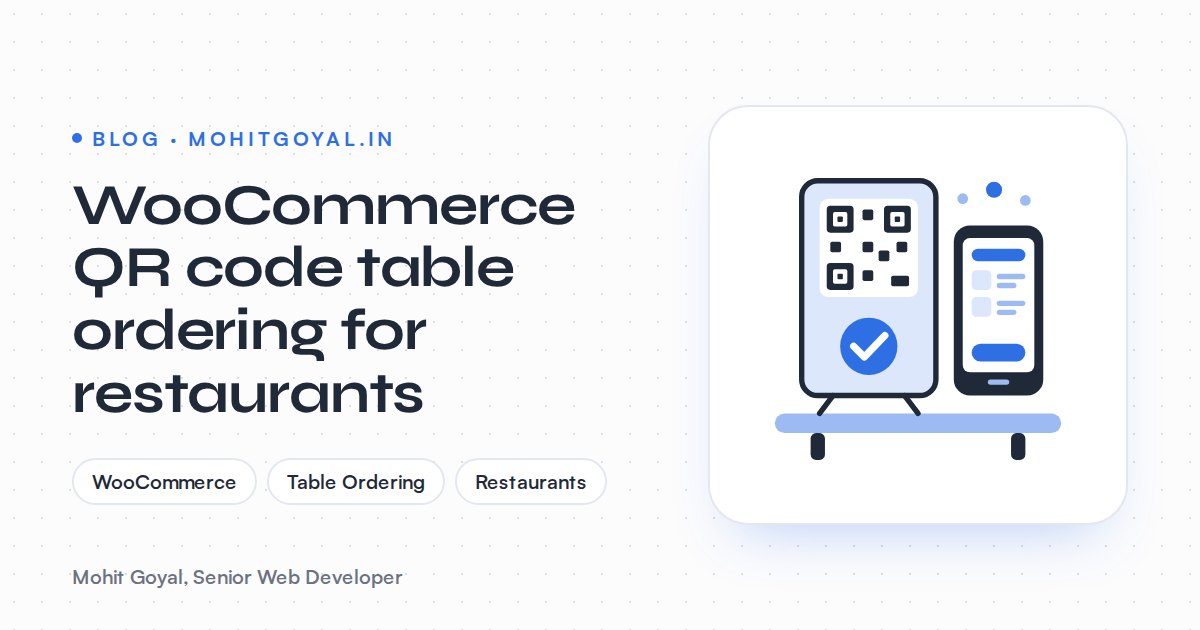
Yes, WooCommerce can run QR code table ordering for a restaurant, and you don't pay a commission on each order. Each table gets its own QR code that opens your menu with the table number already attached. The guest orders, pays by card on their phone or at the till, and the order prints in the kitchen with the table number on the ticket. A plugin such as Orderable Pro does this for $149 a year, or you can go custom if your service doesn't fit the way a plugin works.
This post covers dine-in only. If you're weighing up delivery apps, read my post on takeaway website cost vs Just Eat and Deliveroo. For the printer setup in detail, see how to print WooCommerce orders automatically in a kitchen.
How does WooCommerce QR code table ordering work?
A WooCommerce table order is a normal WooCommerce order with one extra piece of data: the table number. Everything else (products, add-ons, checkout, payment, order status) is standard WooCommerce. I like it for exactly that reason. Your menu, stock and prices live in one place for dine-in, collection and delivery.
What does a table ordering setup actually need?
You need five parts: a locked table number, one QR code per table, a dine-in checkout, kitchen printing and a staff view. Plugins handle some of these well and skip others, so check each one before you buy.
A table number the guest can't get wrong
Don't ask guests to type their table number. Some will type the wrong one. Some will leave it blank or put in a seat number. The QR code should carry the table, and the site should save it in the guest's session and add it to the order at checkout as a hidden field. Staff should see it in the order list, and it should print in large type at the top of the ticket.
Here's a detail most plugin listings skip. If the link is just ?table=7, anyone who has seen it can order to table 7 from the car park or from their sofa. Give each table a short code that can't be guessed, and that you can change if a photo of it ends up online. This matters most if you allow pay at the till.
One QR code per table
Each code points to a URL on your own domain, such as yoursite.co.uk/order/?t=7k2. Print the table number next to the code so staff can check it at a glance. Laminate the cards and scan every one before service. I'd steer clear of third-party short links or "dynamic QR" services, because they can expire or end up behind a subscription. The URL is yours, so the printed codes keep working for as long as your site does.
A dine-in checkout
A table order shouldn't ask for a delivery address, a phone number or shipping options. When a table code is present, the checkout should switch to dine-in mode: name (optional), notes for the kitchen, payment, done. Someone hungry at a table on a phone will thank you for every field you drop.
Kitchen printing
This is the part that decides whether staff actually use the system. More on it below.
A staff view
Front-of-house needs a screen to see new orders, mark them as served and spot unpaid pay-at-till orders. Orderable includes a live order view you can filter by table orders. In a custom build it's usually a filtered WooCommerce admin screen or a small internal page.
Should guests pay at the table or at the till?
Card at the table suits cafés and pubs. Pay at the till suits sit-down restaurants. Running tabs need custom work. Decide this first, since it shapes the rest of the build.
| Payment model | How it works | Good for | Watch out for |
|---|---|---|---|
| Pay now by card | Guest pays through Stripe before the order is sent | Cafés, pubs, counter-style service | Card fees on every order; no running tab |
| Pay at the till | Order is sent unpaid, guest pays when leaving | Sit-down restaurants, regulars | Unpaid orders, prank orders without table codes |
| Running tab | Several orders on one table, paid once at the end | Pubs, tapas, drinks-led venues | WooCommerce treats each checkout as a separate order, so tabs need custom work |
If guests pay by card, Stripe in the UK charges 1.5% + 20p for standard UK cards and 2.5% + 20p for EU cards. For pay at the till, you can rename WooCommerce's built-in offline payment method to "Pay at the counter". It's the cheapest option to build, and it's the one that most needs table codes nobody can guess.
Don't pass fees on to guests
Some order-and-pay apps let venues add a fee for the guest to pay through the app. On your own WooCommerce site, you decide what guests pay.
Guests notice the payment step. If it feels like a cash grab, that's what they remember about the meal.
How do table orders reach the kitchen?
They go through a cloud print service such as PrintNode, which sends each order to a thermal printer, table number on the ticket. On the Whitfield Service Station build in Dover, I set up WooCommerce online ordering with a custom delivery radius plugin and cloud receipt printing through PrintNode. Orders print on their own, so staff don't have to keep checking a screen. That build is delivery and collection, not dine-in. But the kitchen side is the same problem: an order lands in WooCommerce and has to come out of a printer quickly, in a layout a chef can read mid-rush.
For dine-in, I'd change that setup like this:
- Table number first. Big and bold at the top of the ticket, above the items.
- Split printing by category. Food goes to the kitchen printer, drinks to the bar. The printing plugin or custom code splits the WooCommerce order by category and sends a separate PrintNode job to each printer.
- Notes and modifiers stand out. "No onions" and allergy notes get their own line instead of being buried in the item name.
- A fallback. If the printer is offline, the order still sits in WooCommerce. Add a sound alert on the staff screen so a jammed printer doesn't mean a forgotten table.
PrintNode itself is cheap. It has a free plan for very low volumes and paid monthly plans above that, so check PrintNode's pricing page for current tiers. Any busy restaurant will be on a paid plan.
Plugin or custom build: which should you choose?
Go with a plugin such as Orderable Pro if your service is simple: one menu, card payment, one printer. Go custom if you need running tabs, split printing or resettable table codes. Most of what ranks for this topic is plugin listings, so here they are side by side with a custom build.
| Option | Upfront cost | Good for | Watch out for |
|---|---|---|---|
| Orderable Pro | $149 a year for one site | Restaurants that also do collection or delivery; includes table QR codes, tipping and a live order view | You work within its checkout flow; the licence renews every year |
| Webkul POS QR Code Ordering | $89 add-on | Venues already using WooCommerce as their till | It needs Webkul's WooCommerce Point of Sale plugin as well |
| CodeCanyon plugins | One-off licence; dozens of table ordering items listed | Tight budgets, simple menus | Quality varies; check the last update date, WooCommerce compatibility and support period |
| Custom plugin | Quote-based | Tabs, split printing rules, table codes, unusual service | You own the code, so you need someone to maintain it |
If your service is simple, buy the plugin. I'd go custom, or extend a plugin with a custom WordPress plugin, when you need any of these:
- Running tabs across several orders per table
- Food and drink sent to different printers, or courses fired separately
- Table codes that can't be guessed and that staff can reset
- Different menus or prices for dine-in and takeaway
- Orders that also need to reach other systems, such as a spreadsheet, accounting or reporting
How do the costs compare with order-and-pay apps?
On card fees alone, a WooCommerce site with Stripe and Square's free plan cost about the same in the UK. Dedicated order-and-pay apps such as sunday add a subscription from £149 a month. Some of those apps are good, so here are the published numbers:
1.5% + 20p
Stripe, standard UK card
1.4% + 25p
Square Free, online UK card
£149
sunday Standard, per month
$149
Orderable Pro, per year
The sunday figures come from Menuthere's 2026 comparison of UK order-and-pay apps, which also lists sunday Premium at £199 a month, with payment fees agreed on a quote. Square's online card rate is on Square's UK pricing page.
Here's my own example, using those published rates: 600 paid table orders a month at £30 each. On a WooCommerce site with Stripe, each order costs 45p plus 20p, so roughly £390 a month in card fees and nothing else per order. On Square's free plan it's 42p plus 25p per order, about £402 a month. With sunday, you pay the £149 subscription before any payment fees.
So I'll be straight with you. If you already use Square's till, its free plan costs about the same as your own site and ties into the till you've got. WooCommerce makes more sense when you already sell online through it, want one menu for every channel, or need flexibility an app won't give you.
When is WooCommerce the wrong choice?
When your EPOS already includes order and pay. If orders need to land directly on the till for tabs, voids and end-of-day reports, use what your EPOS offers. Connecting WooCommerce to a till system is integration work, and for a single venue it rarely pays for itself. WooCommerce earns its place when the website is already where your ordering happens.
What should you ask a developer before you start?
Ask five things: how the table is locked to the QR code, what happens when the printer is offline, whether food and drink print separately, how unpaid orders are handled, and who renews what.
- 1
How is the table locked to the QR code?
Look for a hidden, saved table code, not a typed field, and ask how they stop people ordering from outside the venue.
- 2
What happens when the printer is offline?
Orders should still be saved and visible in WooCommerce, with an alert on the staff screen.
- 3
Can food and drink print separately?
Ask to see a sample ticket for each printer, with the table number on top.
- 4
How are unpaid orders handled?
If you allow pay at the till, staff need a clear view of what's still unpaid.
- 5
Who renews what?
Plugin licences, PrintNode and hosting all renew. Get a list with dates and owners.
Before launch, test the menu page on a phone over 4G. A slow menu at the table feels a lot worse than a slow website at home. On timing: a plugin setup with your menu loaded and a tested printer usually takes days. If you need custom tabs or printing rules, plan for weeks.
What's the next step?
Write down four things: how many tables you have, how guests should pay, which printers you use, and whether you already take orders online. With that, I can tell you quickly whether a plugin will do or you need something custom. Have a look at my WooCommerce stores and online ordering service, or book a 20-minute call and send me your menu.